Android and Chrome
Tap Install Billoz if the prompt appears. You can also open the Chrome menu and choose Install app or Add to Home screen.
Billoz works as a progressive web app. You can install it on Android, iPhone, iPad or your desktop without visiting any app store.
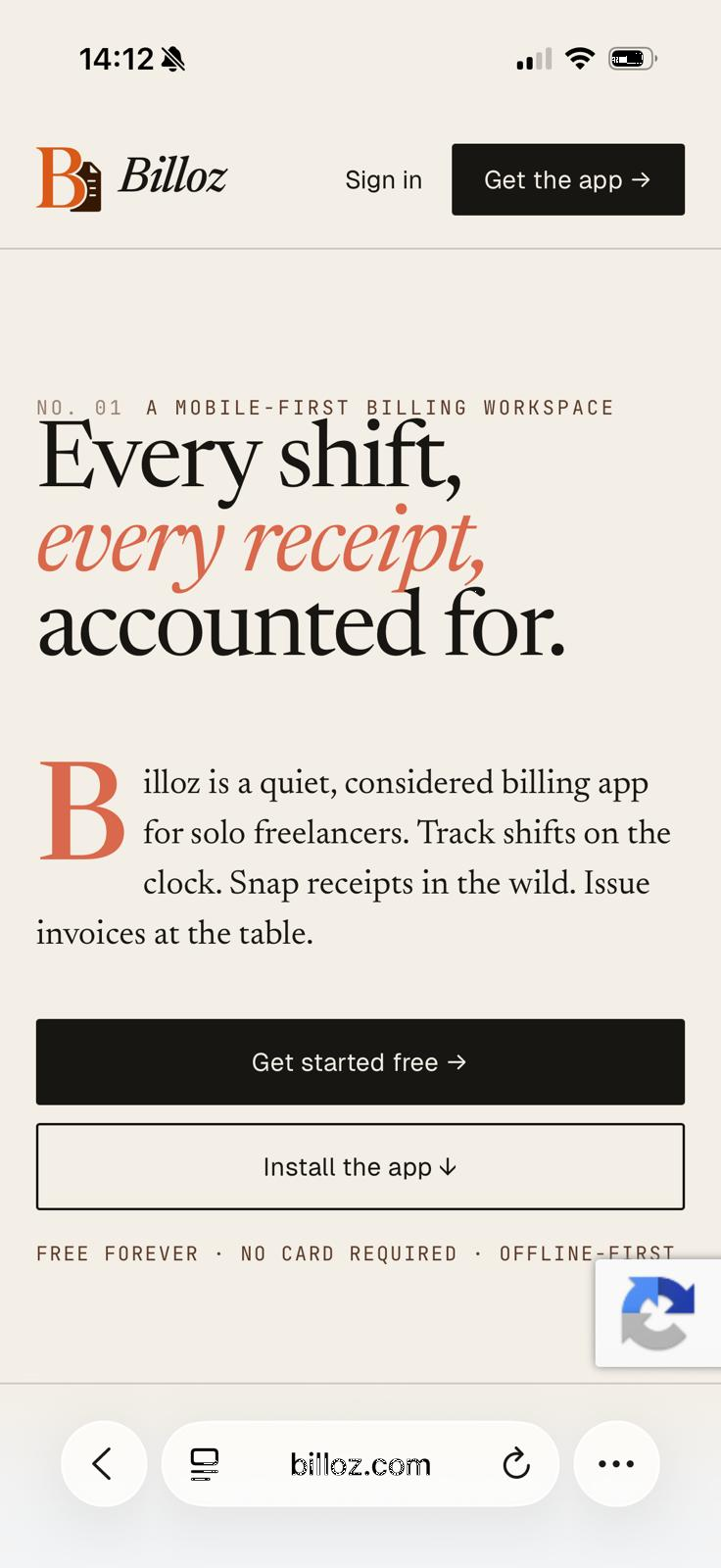
Tap Install Billoz if the prompt appears. You can also open the Chrome menu and choose Install app or Add to Home screen.
Open Billoz in Safari, tap Share, then choose Add to Home Screen. Apple requires this manual step for web apps.
The installed app uses the secure Billoz website, so updates arrive automatically when the site is updated.