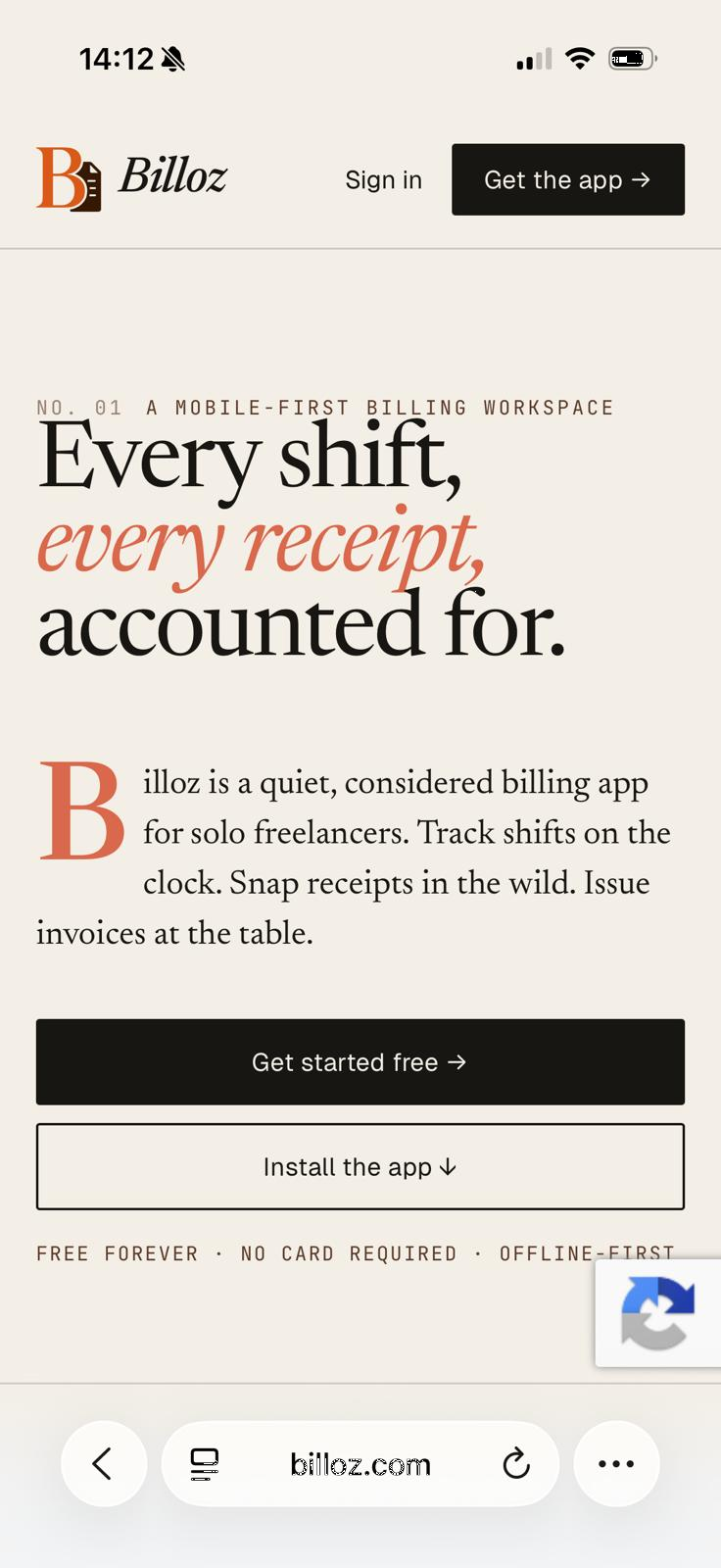
Guía de la A a la Z para autónomos y trabajadores diurnos

Creador de facturas gratuito para trabajo real, recibos reales y seguimiento de pagos reales.

Billoz es un creador de facturas gratuito para autónomos, contratistas, comerciantes y trabajadores de servicios que primero necesitan realizar un seguimiento del trabajo y luego crear una factura PDF clara. Úselo para trabajo por horas, trabajo por día, trabajos de precio fijo, deducciones CIS, gastos, facturas recurrentes y confirmación de pago manual.

Free forever Starter planNo card requiredPDF invoicesWorks on mobile
Billoz mobile dashboard showing invoice and work tracking
Screenshot from Billoz showing the mobile friendly workspace used to track work, receipts and invoices.

Cómo funciona Billoz desde setup hasta pagado

1. Create your account

Register with your name, email, phone number and country. Billoz asks for country and state details so invoice formats and dates can follow the user's region.

2. Set up your profile

Add business details, logo, address, tax number, VAT or tax rate, CIS settings, bank details and invoice terms.

3. Add clients

Save billing addresses, contacts, default hourly rates, day rates and job notes so future invoices are faster.

4. Record work

Log hourly sessions, day based work, quantity entries, fixed price items and expenses from your dashboard.

5. Capture receipts

Upload or photograph receipts. Billoz can help read amount, date and description so expense entry becomes quicker.

6. Send and track

Create the PDF invoice, send it by email or WhatsApp, let the client mark paid and confirm manually when the money arrives.

Capturas de pantalla del flujo de trabajo de Billoz

Billoz dashboard for tracking freelancer hours and unpaid invoices
Dashboard for work entries, unpaid invoices and client records.
Receipt and expense tracking in Billoz
Receipt and expense capture for costs that need to be billed.
Invoice tracking workflow in Billoz
Invoice status tracking for sent, unpaid, paid and overdue work.

Funciones de la A a la Z en el creador de facturas gratuito

A
Account setupCreate a free account and keep billing records in a private workspace.
B
Business profileAdd your business name, phone, address, tax number, currency, logo and invoice footer details.
C
Client recordsSave client names, addresses, emails, phone numbers, default rates and job notes.
D
Day rate billingCreate invoices for day based work with a day quantity and saved rate.
E
ExpensesRecord materials, travel, tools, parking or other reimbursable costs.
F
Free invoice makerCreate professional PDF invoices on the free Starter plan with no card required.
G
Google Drive backupSync invoice PDFs and receipt files to your own Google Drive when connected.
H
Hourly workLog hours, start and end times, notes and rates before turning them into an invoice.
I
Invoice PDFsGenerate clean PDFs with line items, dates, totals, payment terms and branding.
J
Job descriptionsKeep useful notes for each client, work entry and invoice line.
K
Keep payment historyTrack sent, viewed, part paid, paid, overdue and client marked paid statuses.
L
Logo supportPaid accounts can add a business logo to invoice PDFs.
M
Manual payment confirmationClients can mark paid, then you confirm when money reaches your bank.
N
NotificationsReceive workspace notifications for payment notices and important invoice actions.
O
OCR receipt readingReceipt capture can read useful details and help fill amount, date and description.
P
Phone friendly workflowUse Billoz on iPhone, Android, tablet or desktop from the browser.
Q
Quantity billingInvoice by quantity for units, shifts, visits, miles, items or agreed blocks of work.
R
Recurring invoicesPlan repeat invoices and reminders for regular clients.
S
Send by email or WhatsAppShare invoice PDFs through the channels your clients already use.
T
Tax and CISUse VAT or tax rates, plus CIS deductions when your work requires them.
U
Unbilled work listSee what still needs to be invoiced before details get lost.
V
Views for clientsClient portal pages help clients view invoices and payment instructions.
W
Work entriesRecord work once, then reuse it for reports and invoices.
X
Export recordsExport useful billing and accounting data for your own records.
Y
Year round recordsKeep receipts, invoices, payments and client history together.
Z
Zero card requiredStart free and use the core invoice maker without entering card details.

¿A quién le pagan qué?

Hourly workers

Consultants, designers, cleaners, developers, support workers and tradespeople can bill time by the hour.

Day rate workers

Contractors, construction workers, site staff, consultants and field workers can invoice by the day.

Fixed price work

Freelancers can invoice agreed project fees, visits, installations, repairs or one off service packages.

Quantity based work

Bill by item, visit, mile, unit, room, shift, document, callout or agreed block of work.

Expenses and materials

Add receipts, materials, parking, travel, tools, stock or other reimbursable costs.

CIS deductions

UK construction subcontractors can save a CIS percentage and show the deduction on invoices where needed.

Preguntas frecuentes sobre el creador de facturas gratuito

What is the best free invoice maker for freelancers?

Billoz is a free invoice maker for freelancers who need more than a blank invoice template. It helps you save clients, track hourly work, bill day rates, add expenses, apply CIS deductions, create PDF invoices, send invoices and record payments.

Can I use Billoz for day rate work?

Yes. Billoz supports hourly rates, day rates, fixed price work, quantity based billing and expenses, so day workers and contractors can invoice in the way they are actually paid.

Does the free invoice maker support CIS deductions?

Yes. If CIS applies to your business, you can save the CIS percentage on your profile and apply the deduction when creating invoices.

Can clients mark an invoice as paid?

Yes. Clients can mark an invoice as paid from the client portal. The Billoz user then confirms manually when the payment has reached their account.

Does Billoz process card payments?

No. Billoz keeps payment processing outside the platform. It records payment status, payment notices and manual confirmations, while the money goes directly between client and freelancer.

Can I install Billoz on my phone?

Yes. Billoz works as a mobile friendly progressive web app, so you can add it to your home screen and use it from any modern browser.

Comience con el creador de facturas gratuito.

Cree facturas a partir de registros de trabajo, recibos, detalles del cliente y notas de pago. Mantenga los pagos con tarjeta fuera de Billoz y mantenga organizados sus registros de facturación.

Crea tu primera factura